Brand kit
Logos, colors and type for Tendwell. Download what you need, and keep to the few rules below so the logo always looks right.
Logo





- Full logo (default, for light backgrounds)logo-full.svgDownload
- Full logo for dark backgroundslogo-full-on-dark.svgDownload
- Full logo for light backgroundslogo-full-on-light.svgDownload
- Icon only (any background)logo-mark.svgDownload
- One-color logo (default, white)logo-mono.svgDownload
- One-color logo for dark backgroundslogo-mono-on-dark.svgDownload
- One-color logo for light backgroundslogo-mono-on-light.svgDownload
- Full logo for dark backgrounds (PNG)logo-full-on-dark.pngDownload
- Full logo for light backgrounds (PNG)logo-full-on-light.pngDownload
- Icon only (PNG, 512 px)logo-mark-512.pngDownload





Colors
A soft cream page, cream-white cards with thin warm borders, deep ink text, and one accent: the brand violet, for the main button, links and key highlights, with a pale lavender for quiet panels. No gradients, glows or see-through panels.
- Cream page#FAF5E9
- Card#FFFDF8
- Border#E8E0CC
- Ink#1B1440
- Secondary text#5B5878
- Violet#6D4AFF
- Lavender panel#F1EEFF
- Arrow lavender#DCD6FB
Type
Atkinson Hyperlegible Next, made by the Braille Institute so every letter is easy to tell apart. Headlines are bold and left-aligned; body text is regular, with generous line spacing.
Answer the replies.
Body text is set in Atkinson Hyperlegible Next Regular, sized for easy reading on any screen.
Using the logo
Clear space: keep empty space around the logo of at least a quarter of the icon's height on every side.
Smallest size: the icon works down to 16 pixels; the full logo needs at least 24 pixels of height.
Do
- Use the files from this page as they are; the logo for light backgrounds is the main one.
- Use the white or ink one-color logo on photos and busy backgrounds.
- Give the logo room to breathe.
Don't
- Stretch, rotate or recolor the logo.
- Put the violet badge on a background of similar colors.
- Add effects such as gradients, glows, shadows or outlines.
- Retype the name in a different font.
Social preview
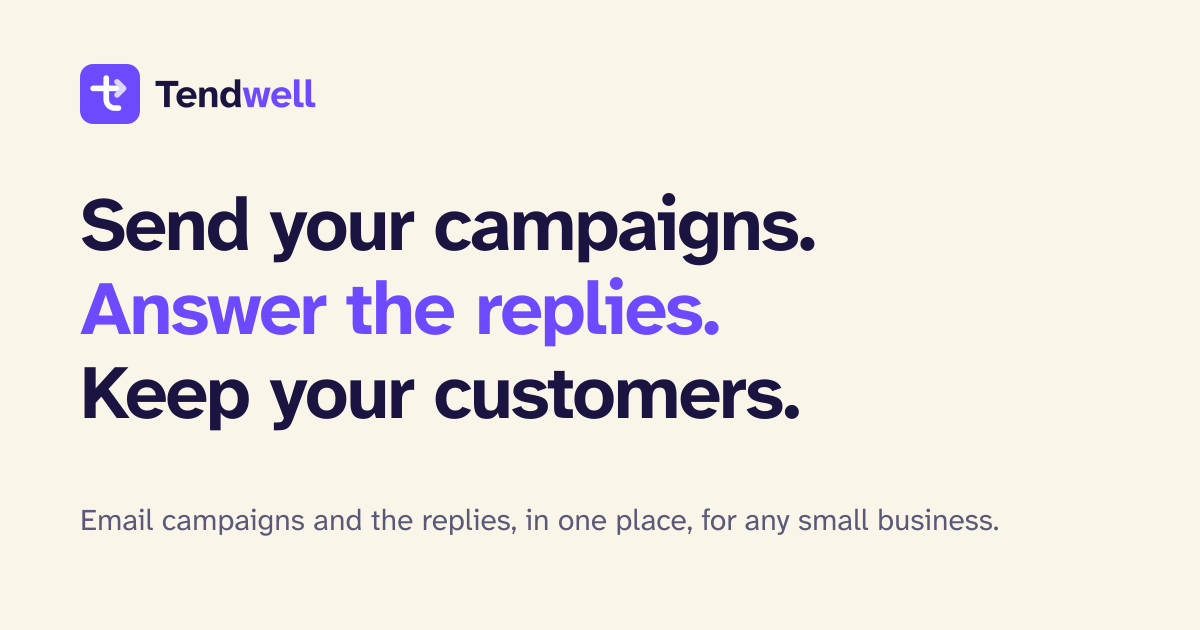
Shown when someone shares a link to the site.
 Download